Sokoban
By Thomas Jebson
(Created: February 2026, Updated: July 2026 - Finished)
Academic Project
Skills & Technologies Used






Supported Platforms

Links


Awards
🏆 Academic Result: 93%
About
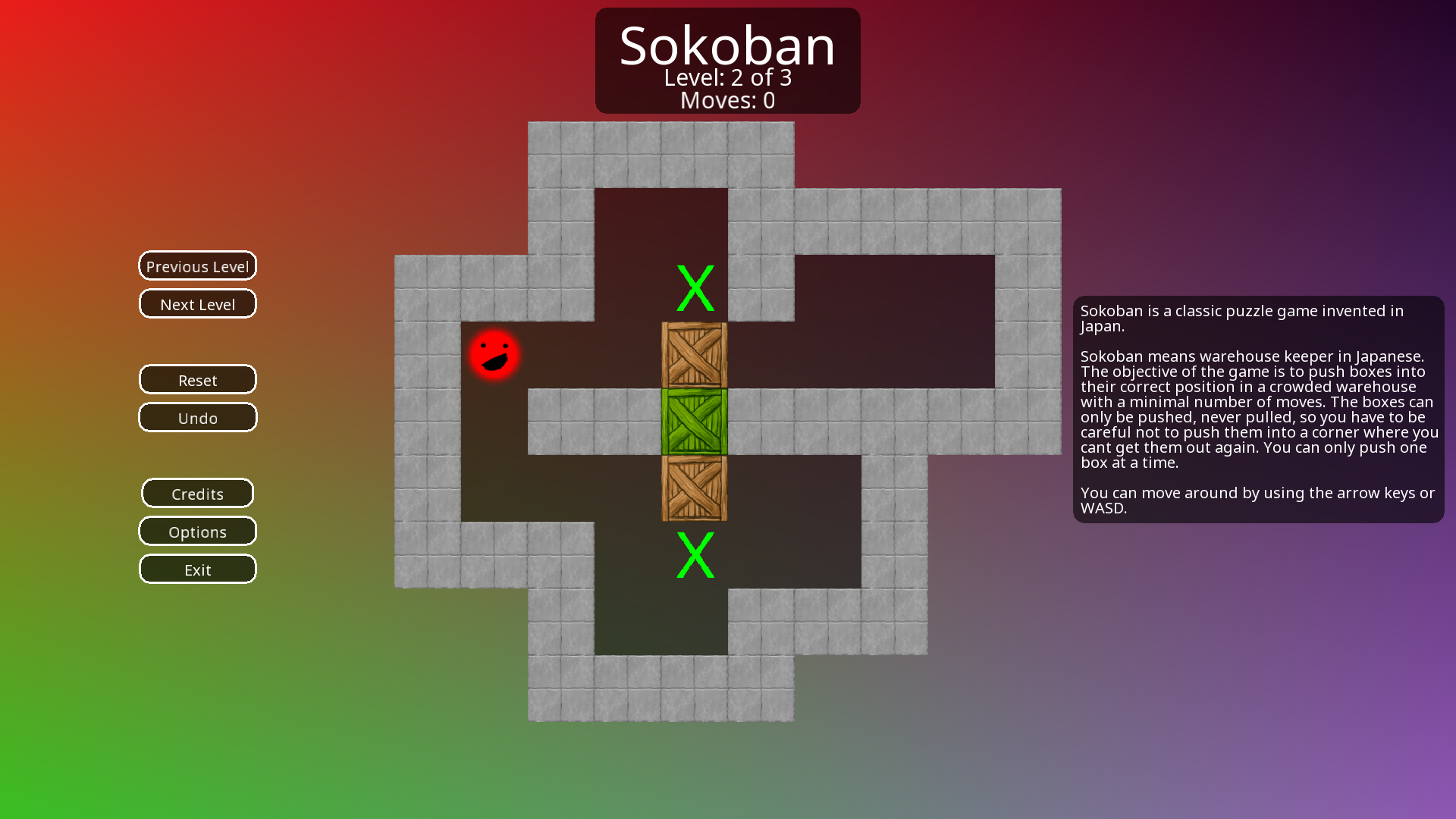
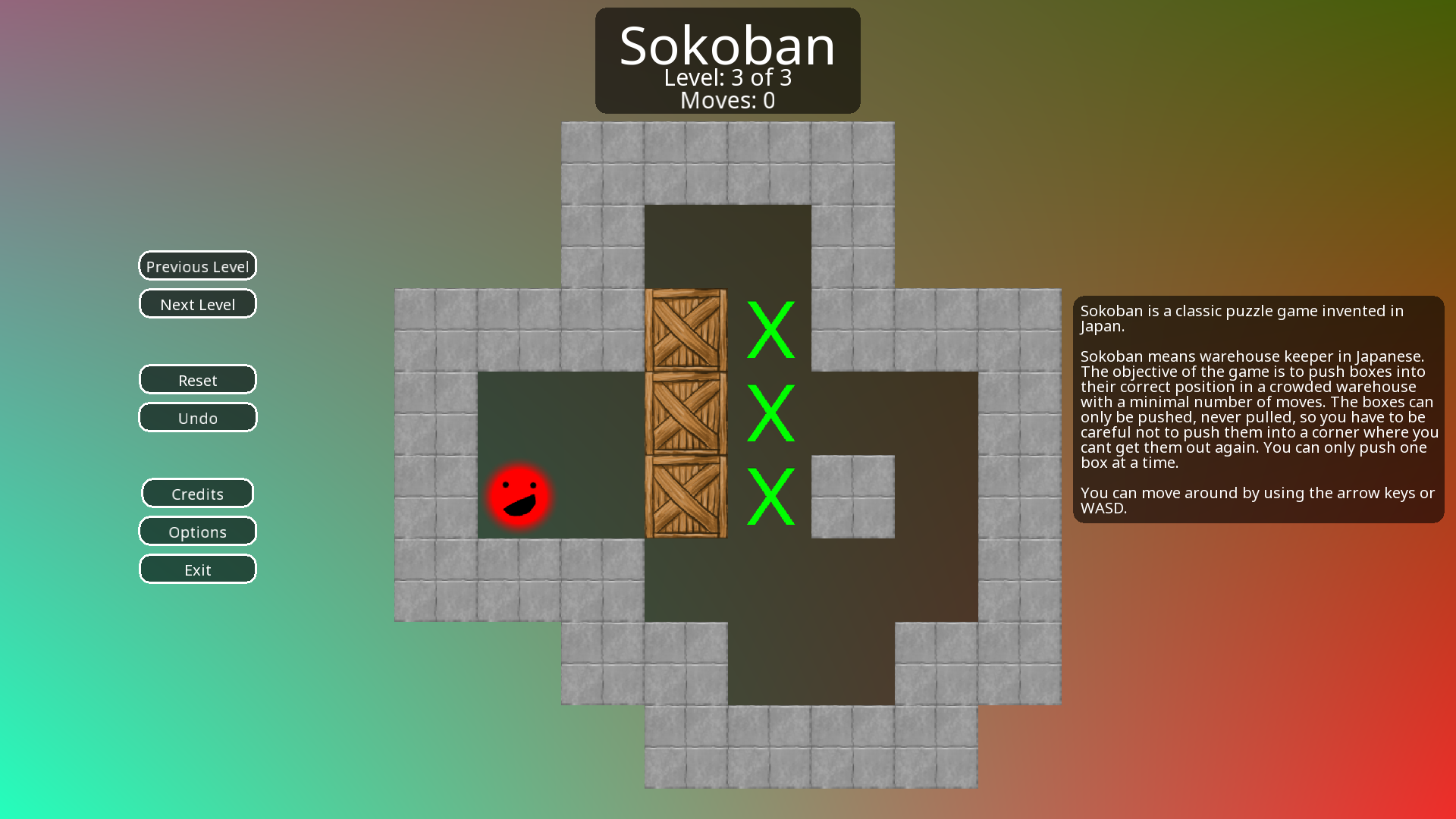
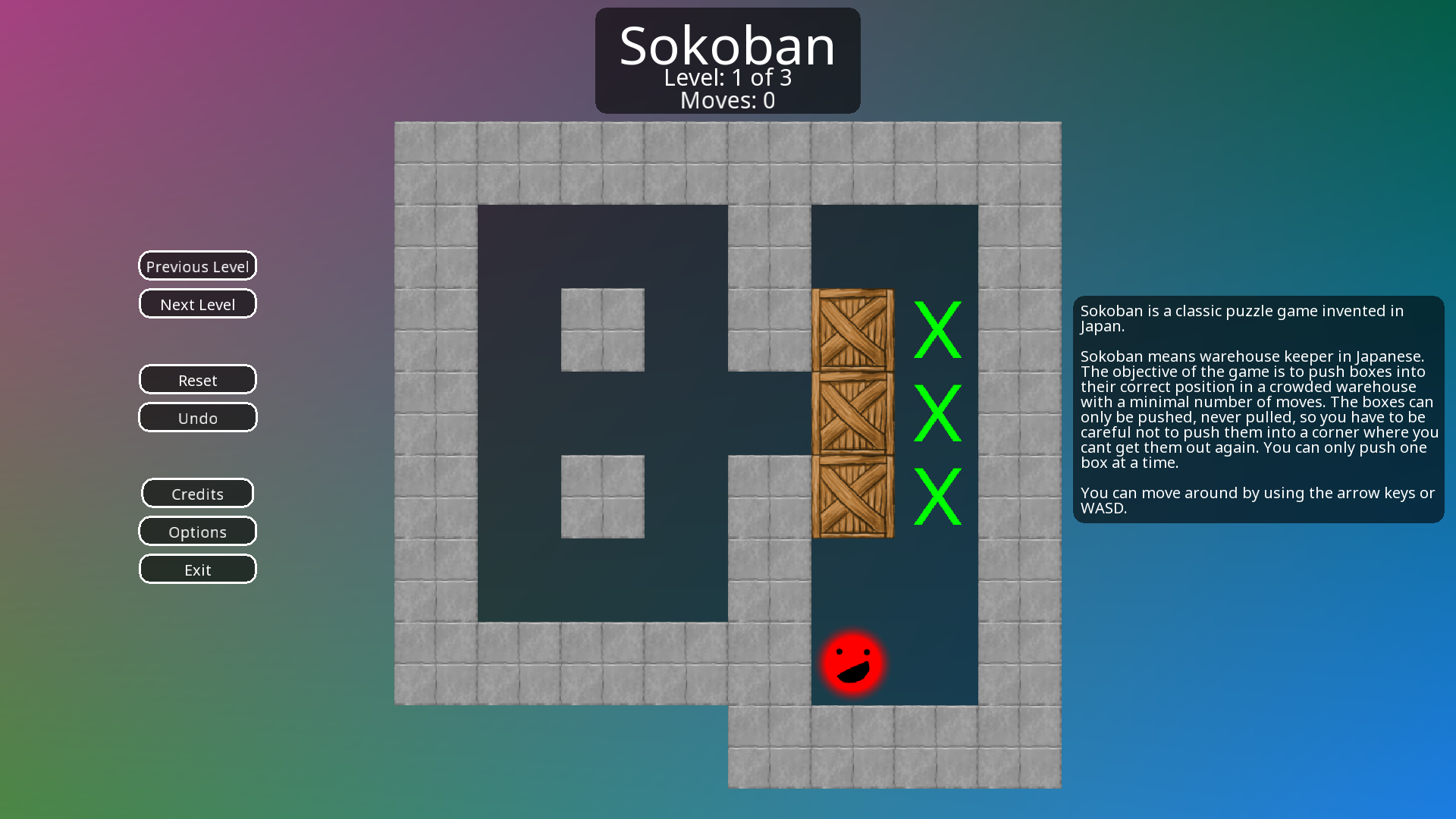
Sokoban is a classic Japanese puzzle game initially released in 1982 by Hiroyuki Imabayashi. The recreated version
of the game, is known either as just Sokoban or Sokoban (ILA). The objective of the
game is to push crates around the level in order to place them on the marked goal tiles. The aim is to complete
the level in the least moves possible. The player can use WASD or the arrow keys to
move, and can push crates by
moving into them. Crates cannot be pushed if they are blocked by a wall or another crate and you cannot undo more
than one previous move.
Credits
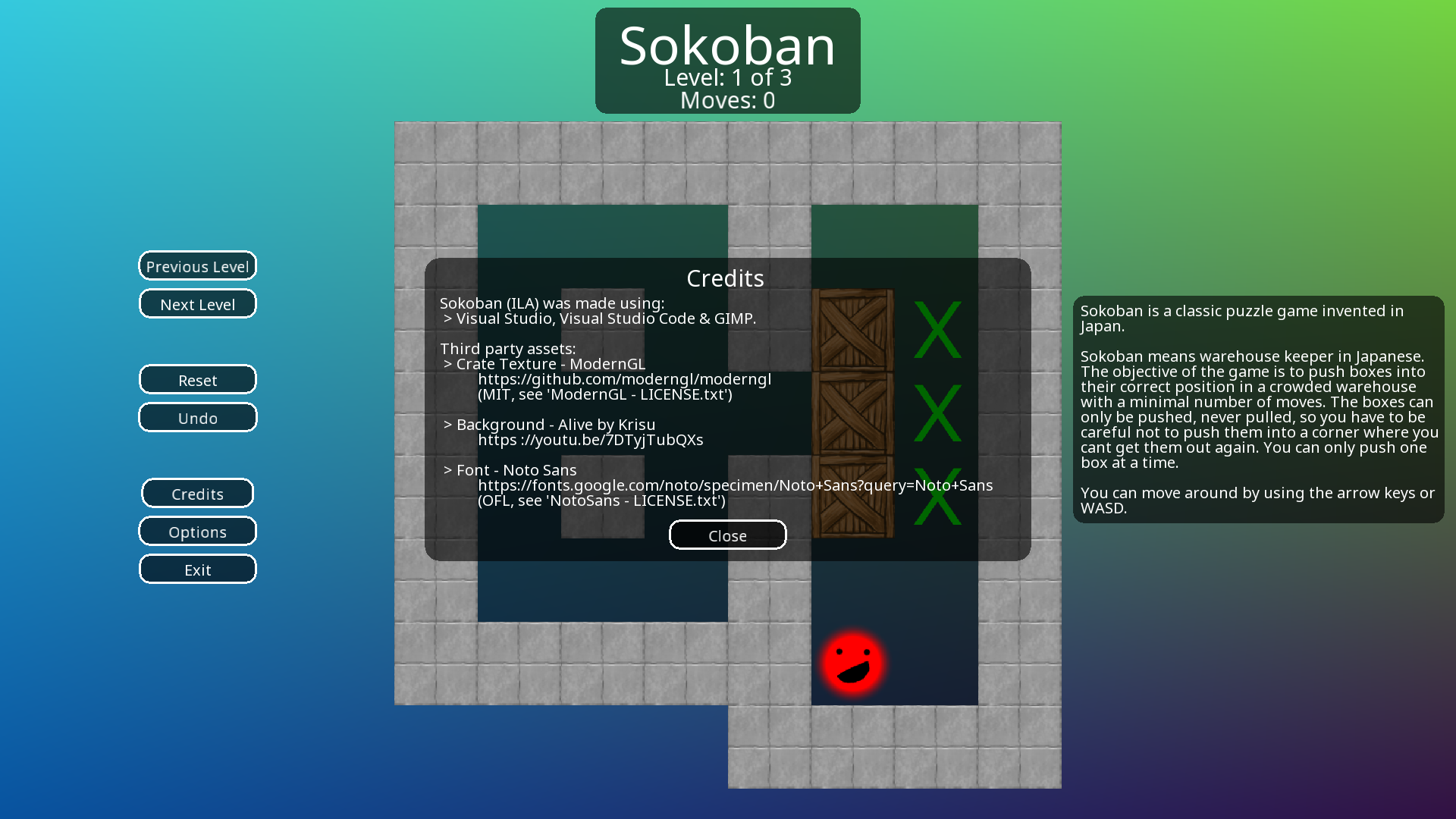
This game was designed and programmed by Thomas Jebson exclusively, using the following third-party assets:
Textures
Fonts
Reflection
This game was initially developed as part of an academic project for the University of Northampton. In
this assignment, the objective was to recreate the core mechanics from the original game, and then explore
introducing more advanced topics. This assignment required direct interaction with the OpenGL API
through GLAD.
Previous assignments had exposed me to
multi-media APIs like SFML and game engines like Unity and Unreal
Engine. This meant relying on my previous extra-curricular work including (but not limited to) PMMA, which was OpenGL based for a large
portion of it's development, although has since switched to BGFX.
My familiarity with OpenGL meant that just four weeks into the approximately 13 week
development window I had a
complete base version of the game. This
allowed me to spend the remaining nine weeks adding advanced features and exploring more advanced optimisation
strategies for both the CPU and now also GPU. These are listed in detail
below:
Extra Features
- Audio playback: The original version of the game explores audio playback using STB Vorbis to load (*.ogg) files and MiniAudio to play them. This extra feature required the implementation of a custom audio-callback function with built in loop functionality. Please note: Audio playback was removed from the public version of the game due to concerns over licensing.
- Firework Particles: The game includes a firework effect which is displayed when a game level is won. These firework effects perform a simplistic 2D physics simulation for gravity. This effect also includes alpha transparency and blending.
- Undo Counters: The game saves the previous game state, allowing for the current move to be undone.
- Level Saving and Loading: The game saves the progress of each level in the background, ensuring the level can be closed and re-opened without needing to worry about ensuring the level is saved manually.
Optimisations
- Sprite Maps: The game stores all the textures used in the game in a single texture, which is used when rendering all the different textured assets in the game. This reduces memory and storage usage and makes the game load assets faster. This technique is also used when rendering text, where a texture atlas is generated from the font at runtime using FreeType.
- Instanced Rendering: The game uses instanced rendering for text, which allows for much improved rendering performance.
- Optimised Geometry: The game only updates shape geometry only when necessary, allowing for effective use of vertex buffer objects (VBOs) to store and re-use shape data across multiple frames. In addition to this, mathematical principles like 'Sagitta' were used when calculating the minimum number of vertexes needed to render a smooth circle on a pixel grid are used to make optimal use of memory.
- Pointers: The game makes extensive use of pointers. This allows for memory to be used and freed by the application as needed during runtime without needing to reserve a fixed amount of memory at start. This technique is used extensively for menus where they are only resident in memory when they are needed.
- Efficient Structure Packing: The Microsoft Visual Studio extension 'StructLayout' is used to ensure that all the structures and classes used in the system are tightly packed, ensuring as little memory is wasted on padding as possible.
Images
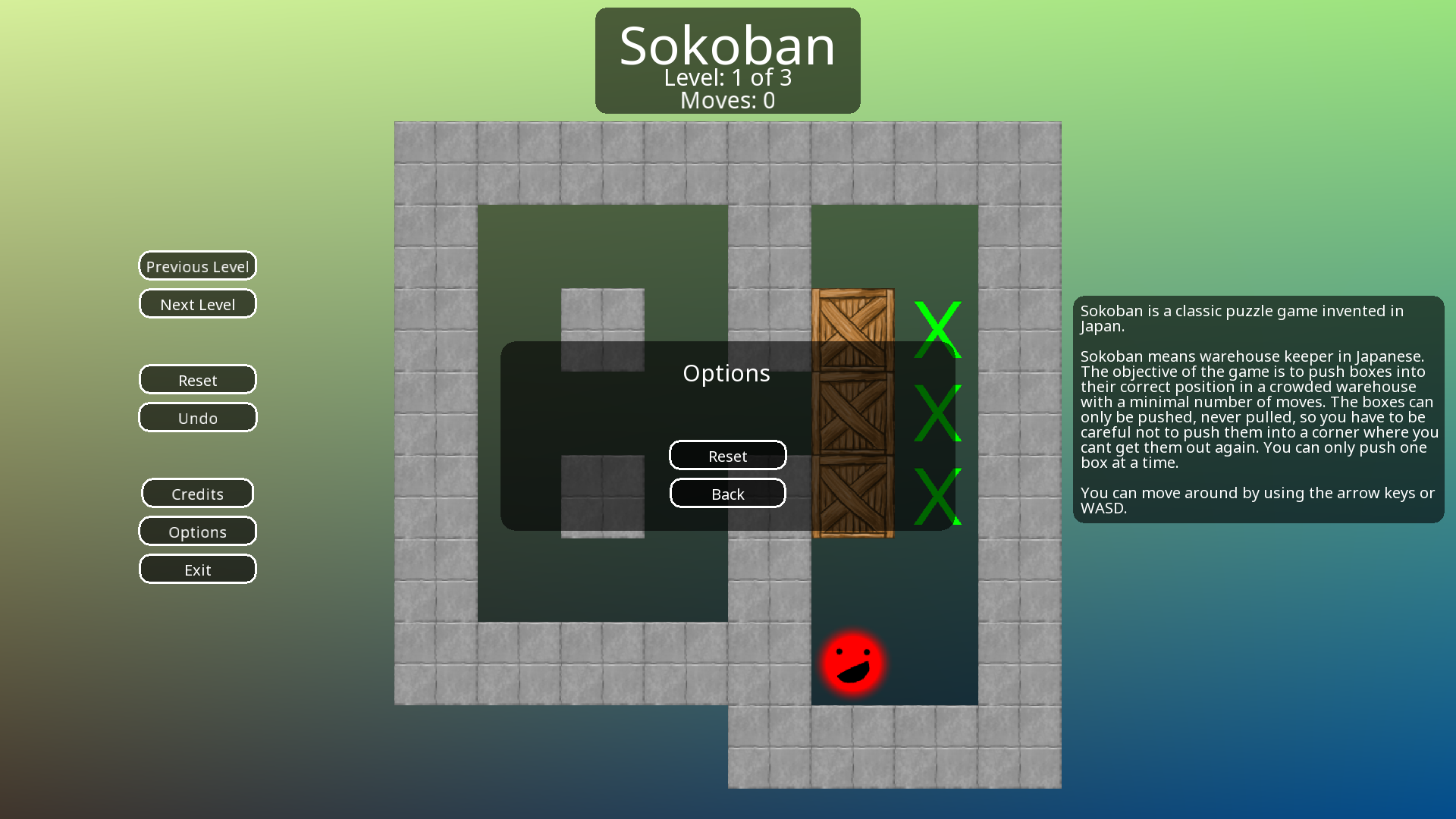
.png "Level One (In Progress)")